How We Built a Retreat Website From a Figma Design With Claude
A step-by-step guide to building yggdrasilsprings.church: a designer's Figma layouts, Claude connected to InboundSavvy over MCP, and plain directions from the owner.
Yggdrasil Springs is eighty acres of wilderness in California. It is a retreat where people come to unwind from city and work life.
Santiago, our designer, drew a set of website layouts for it in Figma. This was our starting point.
In August 2026 I built it with Claude Code, connected straight to the site on InboundSavvy. The first version was on beta the same evening. Five days later the site had eight pages and dozens of articles about the plants and animals on the land.
Andre wrote about building a website with AI for design and InboundSavvy for publishing. This is the other way round: a human designed it, and the AI built it under human directions.
What you need:
- A design. Figma layouts, a sketch, or a website you like
- Claude Code
- An InboundSavvy site and its MCP connection
- Your own photos and your own notes
1. Start With a Human Design
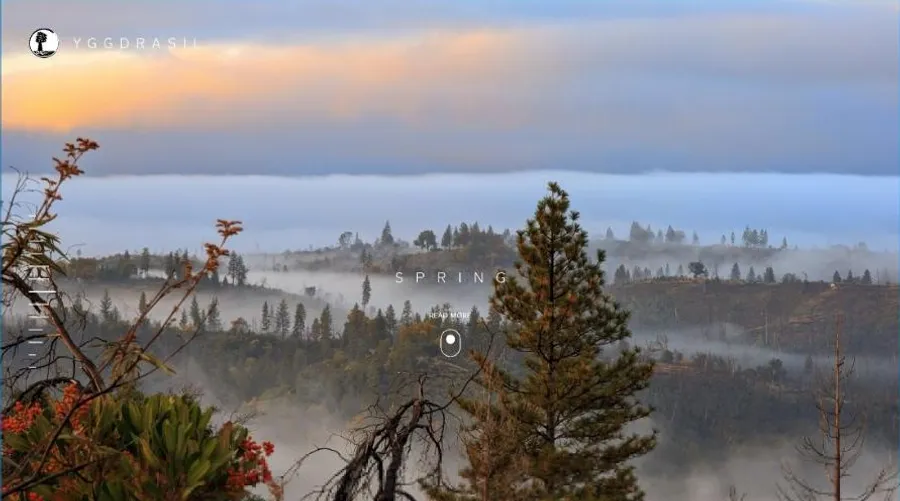
Santiago's Figma file had seven layouts. Every page opened on a full-width photograph of the retreat. Headings were light, uppercase and widely spaced. The interface stayed quiet and let the photos carry the color.
Claude cannot sign in to Figma for you. I opened the file in my own browser, and Claude read the layouts and the design tokens from the open tab. Export was switched off on the file, and it did not matter. Claude only needed to see the design.
A designer decides how the site feels. Then the AI does not have to guess.
2. Point Claude at Your Material
My first prompt was not a clever prompt. It said what we were building, linked the Figma file, and pointed at a folder from an older attempt with the logo and favicon in it. It ended with:
"Ask me a lot of questions."
Claude did. The first question was what Yggdrasil Springs actually is, because nothing in the old folder said. I answered in my own words. Later I gave it the visitor manuals, the trail map with Norse place names, and a Google Photos shared album.
Tell the AI where things are, then let it ask. The answers become the copy.
3. Connect Claude to the Site
Every InboundSavvy site has its own MCP connection. Once it is added to Claude Code, Claude can read the content schema, create pages, upload images and start a beta build. It edits the same pages you edit in the Console.
We started from a blank template and treated everything on it as placeholder. By the end of that first session the new site was live on beta.
4. Adapt What Does Not Fit
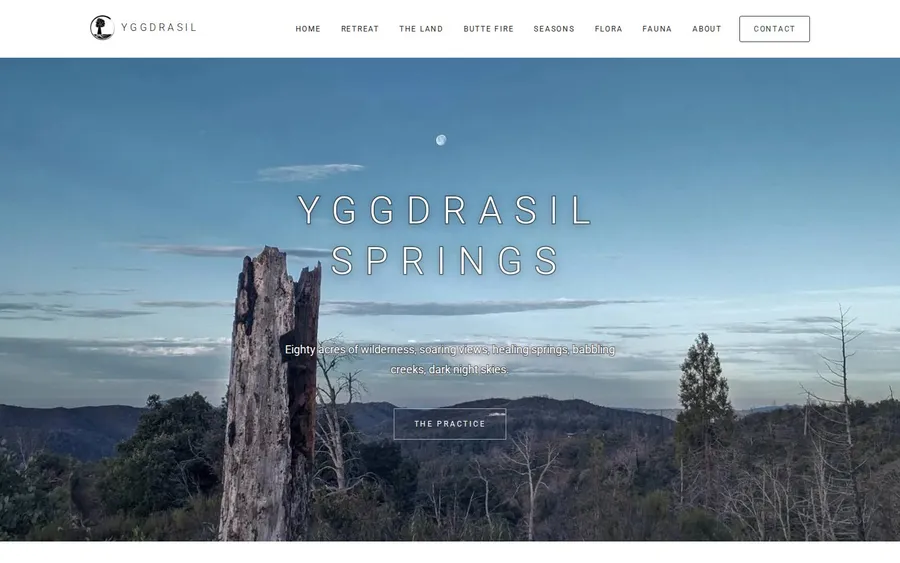
Most of the Figma design carried straight over: Roboto in a light weight, wide letter spacing, uppercase headings over full-width photographs, and white pages for reading.
Two things did not fit, and Claude said so before building anything:
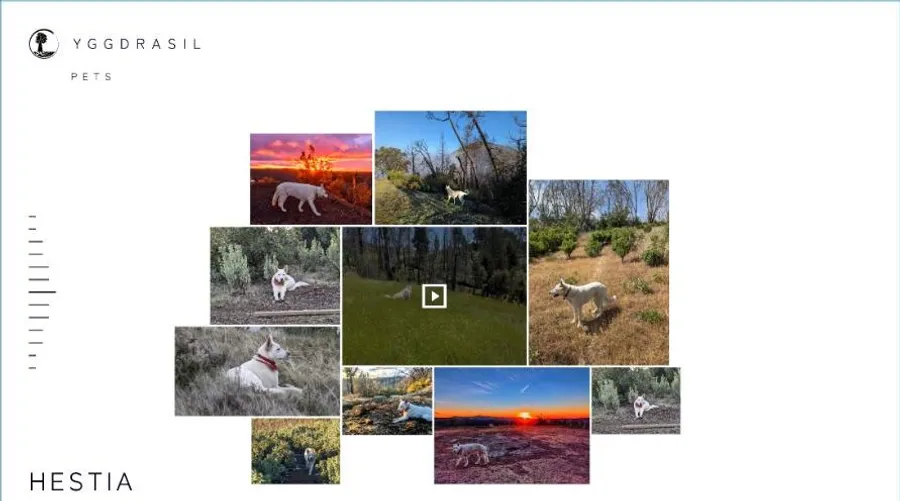
- A reading panel that slides open over the photo. That needs custom JavaScript. Each essay became its own page with the same look instead.
- A free-form collage of overlapping photos. On a phone screen it falls apart. It became a gallery that rearranges itself for small screens.
Treat the design as the intent, not a pixel contract. Ask the AI what it cannot build, and decide the substitute yourself.
5. Direct With Plain Feedback
I did not use design vocabulary. I looked at the beta site and said what was wrong:
- "The images have been darkened too much, the website comes off as emo."
- "The original beautiful image is in portrait and the magnificence is completely lost in your crop."
- "The poor deer has its feet chopped off."
- "Flora and Fauna are in the navbar, but not in the footer!"
Each one got fixed. The deer led to a better fix than the one I asked for. Claude went through every photo and wrote down where the subject sits in the frame, so no later crop cuts it off again.
You do not need to know why something looks wrong. Say what you see.
6. Keep the Words Yours
This is where most of my time went. The AI writes fluently, and fluent is not the same as true.
- Background is not copy. I told Claude some background info and it went straight onto a page. I had to spell it out: some of what I say is for you, not for the website.
- It has to sound human. Claude had writing samples and still slipped into British spelling and phrases. Hand editing the final text is what makes it yours.
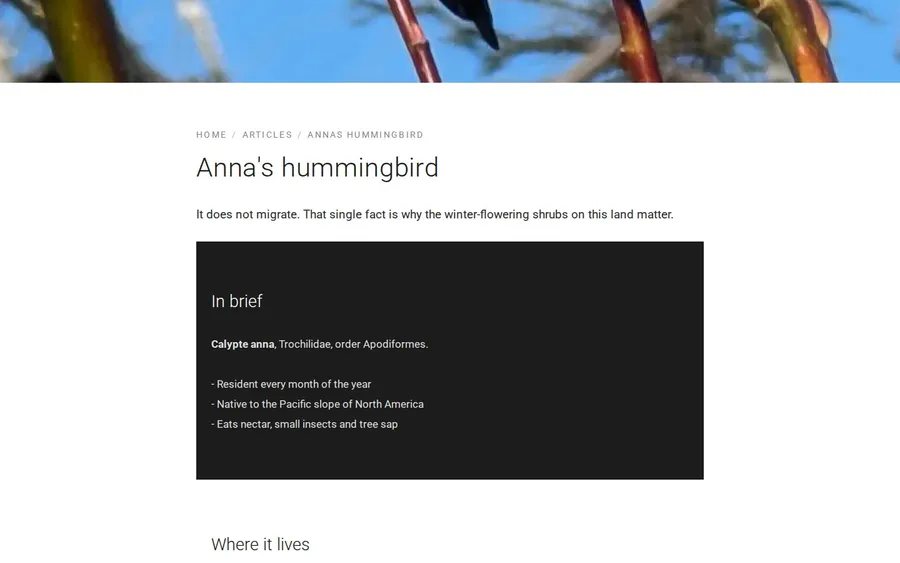
- I told Claude that Less is more. The first hummingbird article covered every hummingbird in California. The one on the site makes one point: Anna's hummingbird stays through the winter here.
Let the AI draft. You decide what is true, and what sounds like you.
7. Let Code Do the Repetition
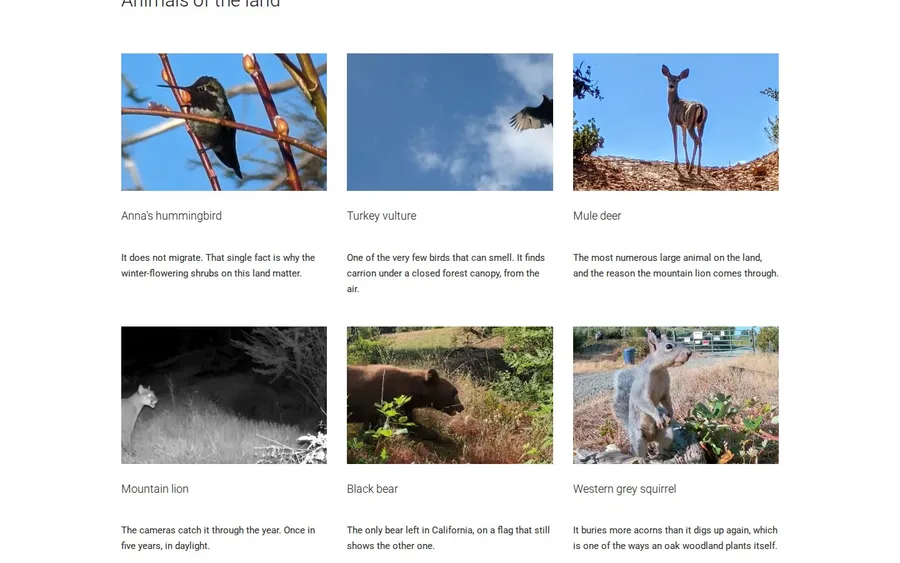
The Flora and Fauna sections have more than forty articles, one per species. Claude did not write forty pages by hand. It wrote a small script with a table of species and one article template. Adding a new plant is one more row in the table.
Claude also wrote a checker that flags British spellings and other tells before anything is published. A rule in a script holds. A rule in a prompt gets forgotten by the next session.
One more rule I set: Claude saves changes to the CMS as often as it likes, and I decide when to build and publish.
If you will do something more than twice, ask the AI to write a script for it.
Santiago designed it. Claude built it. I directed it.
You do not need to be a designer or a developer to do this. You need a design you like, the patience to look at every page, and the words only you can write.
See the result at yggdrasilsprings.church.
By Jesper Jurcenoks
More from the blog
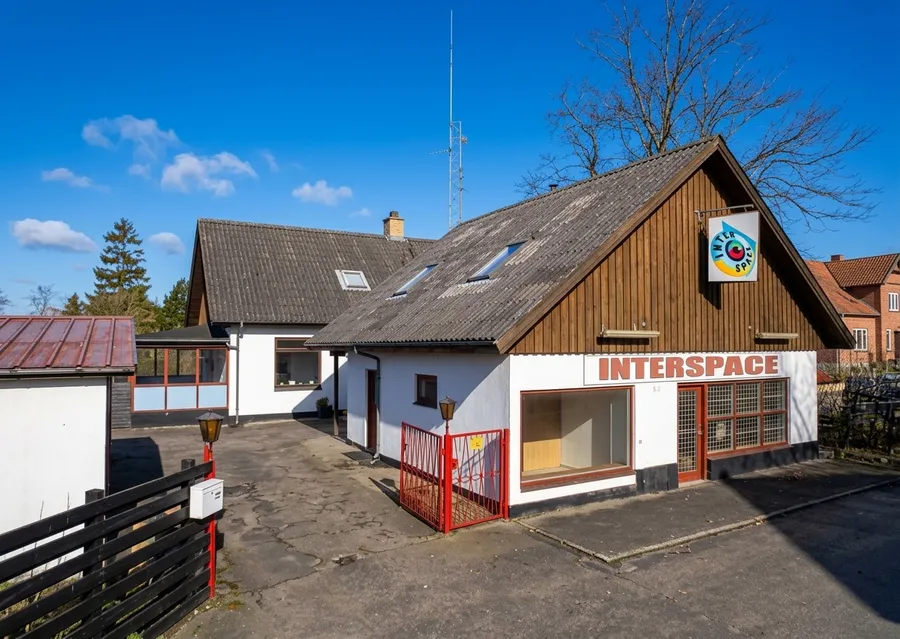
Selling websites like it's 1995
Bill locally, support locally, buy the servers wholesale. The business I ran in Denmark in 1995, and the partner program we are building on it.
2026-09-27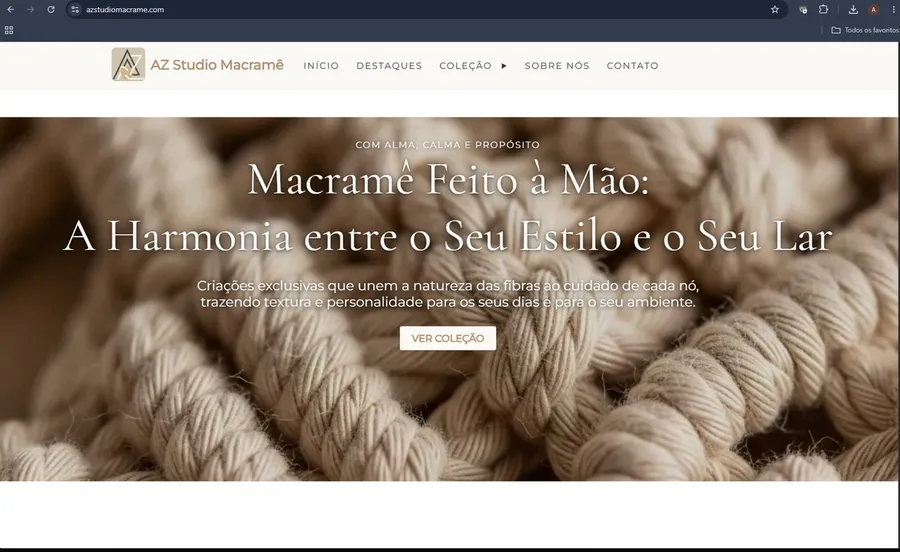
InboundSavvy + AI: How I Built a Real Business Website Without Being a Designer
A step-by-step case study of building azstudiomacrame.com — from AI-generated design brief to live InboundSavvy website. No design degree required.
2026-05-21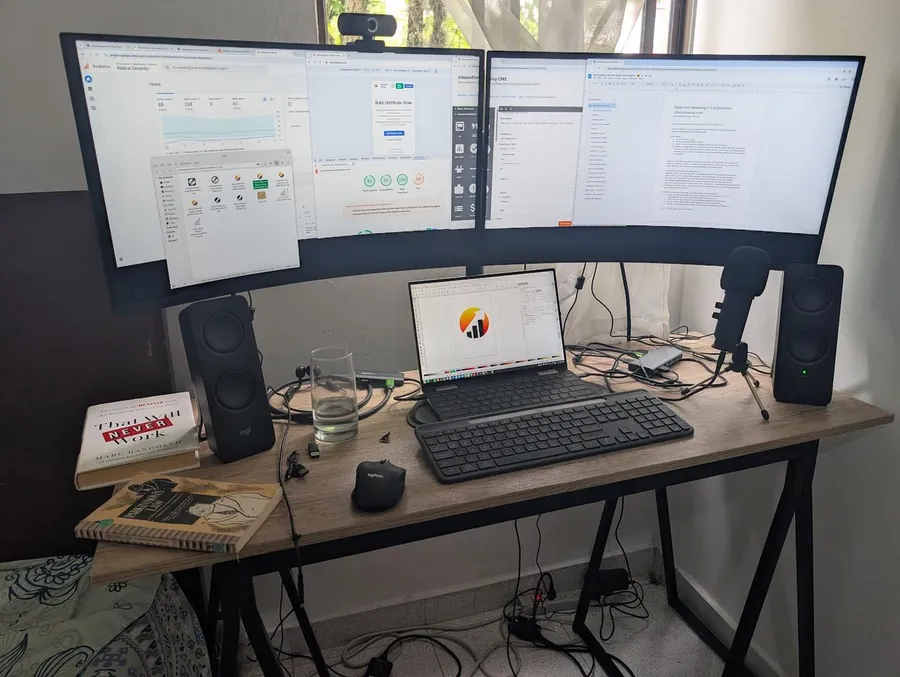
Democratizing Online Presence
Making an optimized, converting internet presence available to everyone - even the poorest entrepreneur.
2026-05-20